
Download ChrisPC CPU Booster – CPU Optimization, Performance Boost, Windows Tool
Overview
ChrisPC CPU Booster is a performance-enhancing utility designed for Windows-based systems, aiming to optimize CPU resource allocation for improved application responsiveness. The tool targets users who experience lag or slowdowns when running demanding software such as games, video editing suites, or virtual machines. By dynamically adjusting CPU priorities, it ensures that foreground applications receive maximum processing power, minimizing interruptions from background tasks.
This makes it particularly useful for power users, content creators, and gamers seeking consistent performance without hardware upgrades. The application is positioned as a lightweight yet effective solution within the Windows optimization ecosystem, offering real-time adjustments without requiring deep technical knowledge. While the developer did not provide additional background on their organization, the app’s focus on usability and performance suggests a targeted approach to system efficiency.
Real-world use cases include reducing loading times in high-end games, maintaining smooth rendering during video production, and enhancing multitasking reliability. In a digital landscape where software demands are continuously rising, tools like ChrisPC CPU Booster serve as practical aids for extending the usability of existing hardware.
Key Features & Functionality
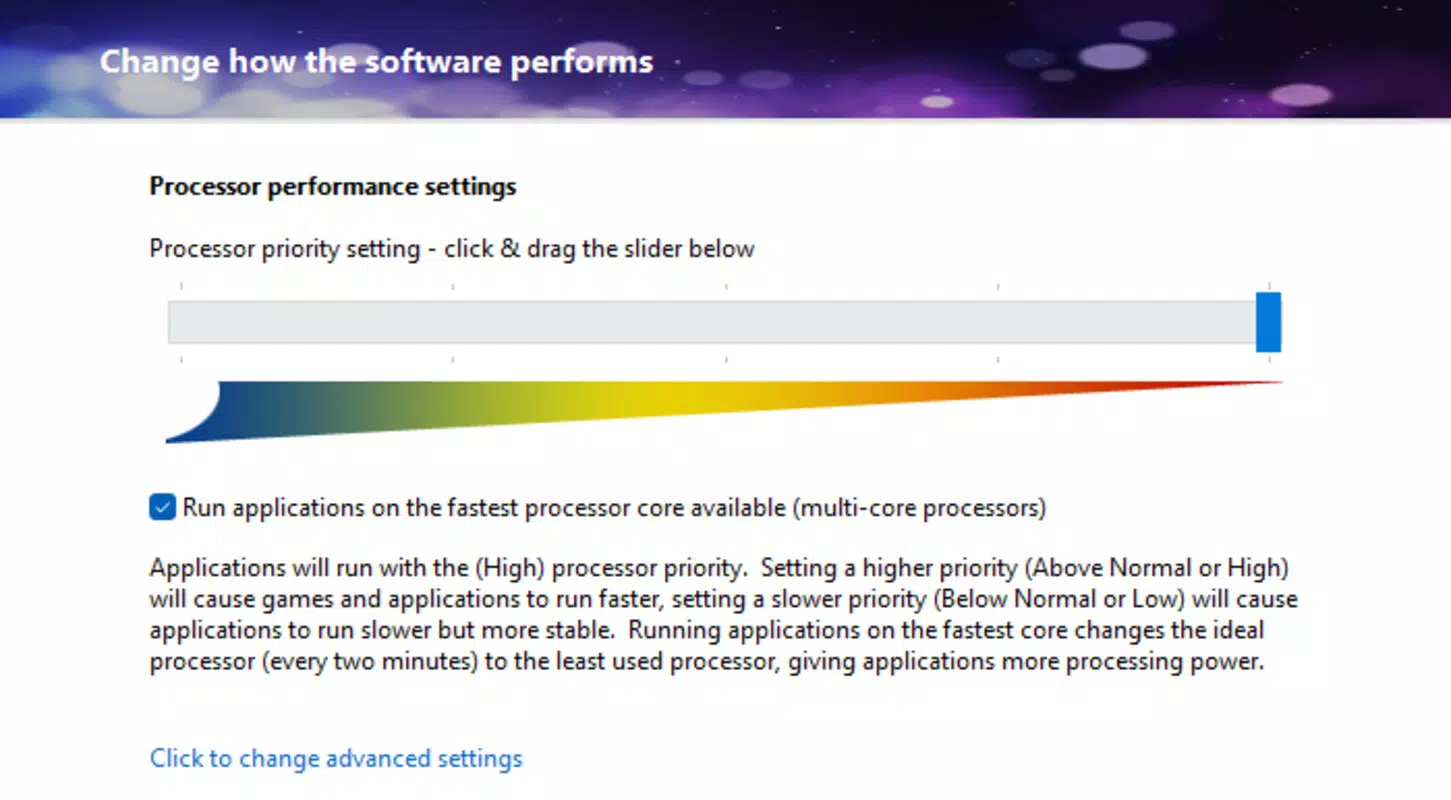
- Dynamic CPU Optimization: Utilizing Idle Task Tuning technology, the app automatically identifies and reduces the impact of background processes. This allows priority applications to access more CPU cycles, resulting in faster execution and reduced latency during intensive tasks.
- Customizable Profiles: Users can create and save specific optimization profiles tailored to different applications. For example, a gaming profile may prioritize frame rates, while a video editing profile could focus on rendering speed and stability.
- Intuitive Interface: The application features a clean, well-labeled layout with clearly defined controls. Even users with limited technical experience can navigate the tool and apply changes without confusion or risk of misconfiguration.
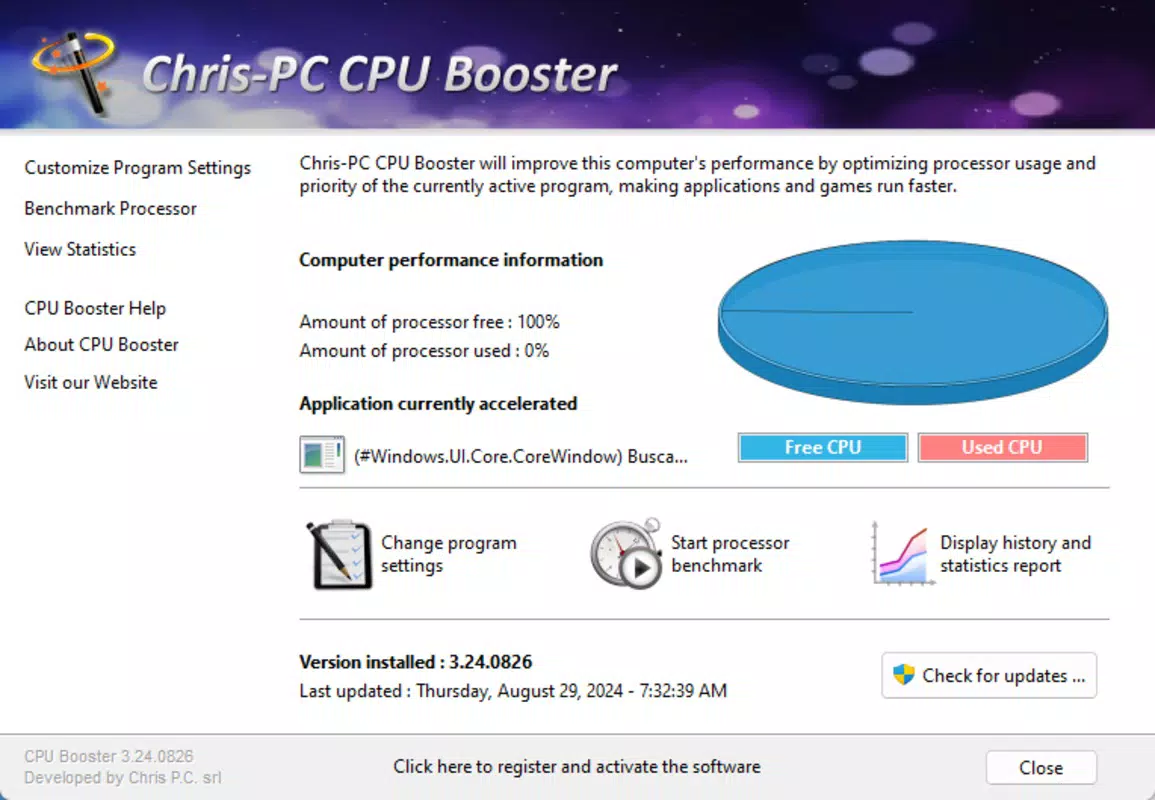
- Real-Time Monitoring: Built-in performance graphs display CPU usage, temperature, and process activity in real time. This transparency enables users to detect bottlenecks and adjust settings dynamically based on current system behavior.
- Increased Efficiency: By streamlining CPU resource distribution, the tool helps reduce app response times and improves overall system responsiveness during multi-tasking scenarios. This contributes to smoother operation and may indirectly extend hardware longevity by reducing thermal stress.
These features collectively support a wide range of use cases, from enhancing gaming performance to improving workflow efficiency in professional environments. The ability to fine-tune CPU behavior without altering system-level settings makes it a safe and accessible option for users seeking performance gains.
Interface, UX & Performance
The interface of ChrisPC CPU Booster is designed with usability in mind, featuring a minimalist layout that emphasizes clarity and accessibility. Navigation is straightforward, with main functions grouped into logical sections such as optimization settings, monitoring dashboards, and profile management. Visual elements are well-organized, using color-coded indicators and responsive graphs to convey system status at a glance.
The tool maintains a consistent layout across different screen sizes, ensuring a stable experience on both desktop and high-resolution displays. Although the developer did not list formal performance metrics, the application is reported to operate with minimal overhead, consuming only a small portion of system resources. This ensures it runs efficiently in the background without competing with other processes.
Responsiveness is maintained even during high-CPU load scenarios, with interface updates occurring in near real time. Stability appears to be a priority, with no widespread reports of crashes or freezes. The application integrates seamlessly with Windows, respecting system permissions and avoiding conflicts with core services.
Users can expect a smooth and predictable experience, particularly when managing resource-intensive workloads.
Platform Compatibility & Technical Requirements
ChrisPC CPU Booster is designed for Windows operating systems. The specific version and minimum OS requirements were not listed by the developer. The file size of the application is 2.8 MB, indicating a lightweight footprint that should not significantly impact storage capacity.
Compatibility with different Windows versions was not fully disclosed, so users are advised to verify system requirements before installation. The app does not appear to require additional software or drivers to function. While it is intended for desktop environments, no information was provided regarding support for tablet or hybrid devices.
The developer did not specify whether the tool supports 32-bit or 64-bit architectures. As such, users should consult official documentation or the developer’s website for precise compatibility details.
Pros and Cons
Pros
- Lightweight design with minimal system resource usage
- Intuitive interface suitable for both beginners and advanced users
- Real-time monitoring provides transparency into CPU activity
- Customizable profiles allow tailored optimization for specific tasks
- Dynamic CPU optimization improves responsiveness during demanding operations
Cons
- Specific OS version requirements were not provided
- Compatibility with older or alternative Windows architectures was not confirmed
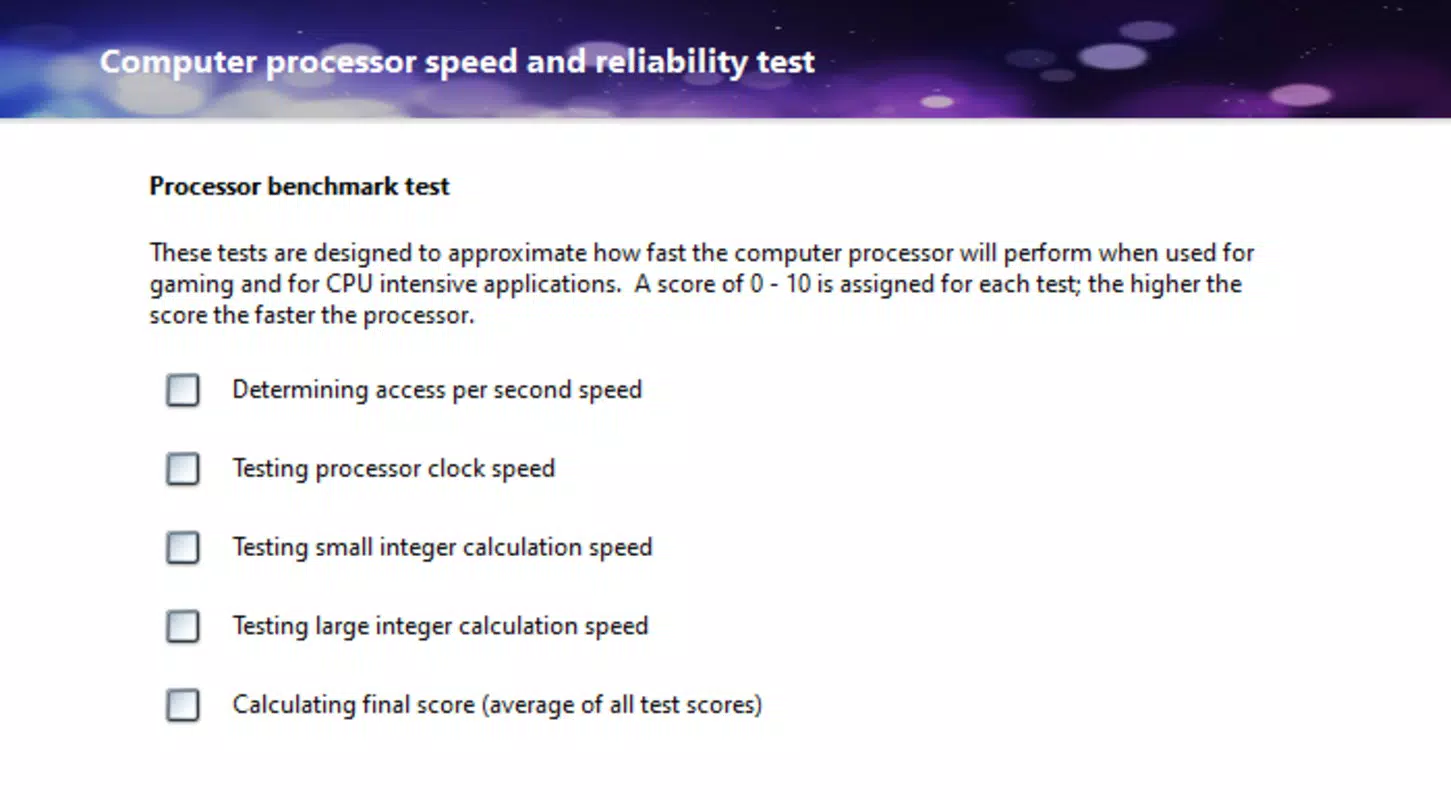
- Developer did not share detailed technical specifications or performance benchmarks
- No information on automatic update mechanisms or version history
- Platform availability beyond Windows was not disclosed
FAQ
Is ChrisPC CPU Booster safe to install on my Windows PC?
Yes, the application is designed to operate within standard Windows security protocols. It does not modify core system files or registry entries in a way that could compromise stability. However, users should always download the app from official sources to ensure authenticity.
Can I use ChrisPC CPU Booster on older versions of Windows?
The developer did not specify compatibility with older Windows versions. It is recommended to check the official website for updated system requirements before installation.
Does ChrisPC CPU Booster require an internet connection?
While the tool functions offline, certain features such as profile updates or license validation may require internet access. The developer did not clarify this in detail.
How often should I update ChrisPC CPU Booster?
Updates are typically released to fix bugs and improve compatibility. The developer did not provide information on update frequency or automatic update capabilities.
Is ChrisPC CPU Booster available for Android or iOS devices?
There is no information indicating support for mobile platforms. The app is designed exclusively for Windows-based systems.
Final Thoughts + CTA
ChrisPC CPU Booster presents a focused and accessible solution for users seeking to enhance their Windows PC’s performance without hardware upgrades. Its combination of dynamic optimization, real-time monitoring, and customizable profiles makes it a valuable tool for both casual users and professionals. The clean interface and low resource footprint ensure a frictionless experience, while the ability to fine-tune CPU behavior offers meaningful gains in responsiveness and efficiency.
Although some technical details remain undisclosed, the app’s functionality and design reflect a clear commitment to usability and performance. For anyone looking to squeeze more performance from their existing system, ChrisPC CPU Booster delivers tangible benefits. Whether you're gaming, editing videos, or managing multiple applications, this tool can help maintain smooth operation.
Download ChrisPC CPU Booster now.


